
Add a shortcut
iPhone
- Open our site in Safari and log in.
- Tap Share.
- Tap Add to Home Screen.
- Open the icon.
Android
- Open our site in Chrome and log in.
- Tap the menu.
- Tap Add to Home screen.
- Open the icon.
What you get on mobile
| Feature | Mobile |
|---|---|
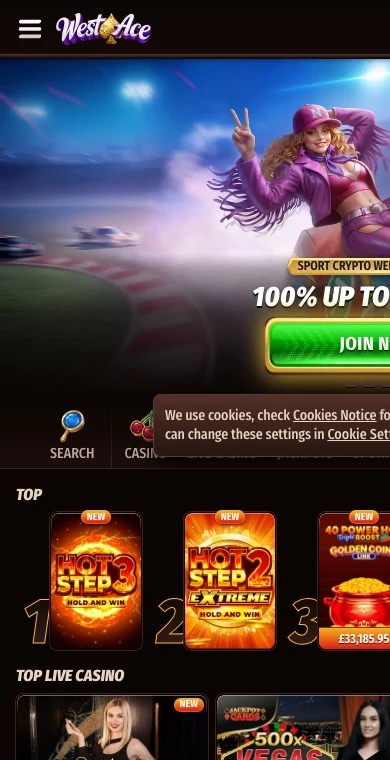
| Slots with Megaways and Bonus Buys tabs | Yes |
| Live casino and game shows | Yes, streamed in the browser |
| Sportsbook with live markets | Yes |
| Promotions, tournaments, shop | Yes |
| Cashier | All methods, same limits |
| Live chat | 24/7 |
Scroll horizontally to see the full table
Connection and safety
Slots use little data on 4G; live tables stream video and run more smoothly on Wi-Fi. Use a screen lock, keep a long password in a password manager, and log out on a shared device.
Frequently asked questions
Is there a WestAce app?
No, our site runs in your browser with a home-screen shortcut.
Does the live casino work on a phone?
Yes, streamed in the browser; Wi-Fi is smoother.
Can I bet on sport from my phone?
Yes, with live markets and the same balance as the casino.